





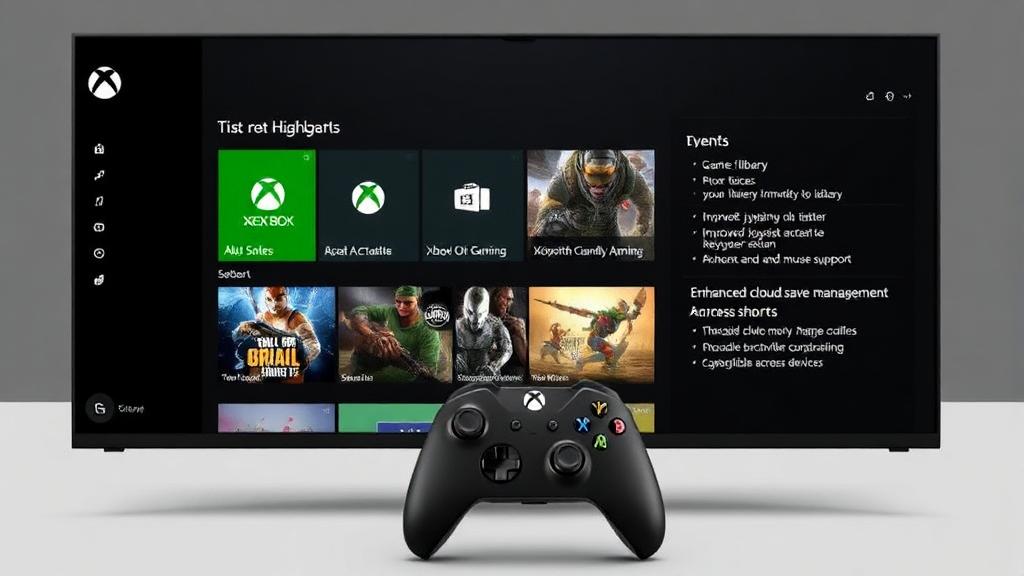
Turn on your Xbox Series X and notice what doesn’t happen. There is no clutter. No maze of sub-menus. No waiting to “get to the real part.” Your recently played games are front and center. The dashboard loads fast. Within seconds, you are back where you left off.
That is the philosophy behind the latest Xbox interface update: remove friction between you and your game. Microsoft’s goal is not just visual redesign. It is behavioral. The interface is engineered to reduce decision fatigue, shorten navigation time, and create a seamless experience across Xbox consoles, PC, and handheld devices like the ROG Xbox Ally X.
Less menu time. More play time.
Key Highlights of the New Xbox Interface
- Game-first dashboard prioritizing your library immediately on startup
- Faster access to Game Pass and Microsoft Store
- Improved joystick-friendly navigation
- Integrated Xbox Cloud Gaming with keyboard and mouse support
- Enhanced cloud save management across devices
- Dynamic backgrounds and customizable themes
- Broader controller and accessory compatibility, including Xbox Adaptive Controller
These updates are not cosmetic. They are structural.
A Game-First Home Screen That Respects Your Time
Console-Inspired Design, Refined for Speed
The redesigned Xbox home screen keeps what works and removes what does not. Large, readable icons. Clear layout. Controller-first navigation.
On Xbox Series X or Series S, the dashboard opens directly into your gaming ecosystem. Your recently played titles sit at the top. Game Pass is one scroll away. The Microsoft Store no longer feels like a separate destination, it feels integrated.
For new users, the learning curve is almost non-existent. For experienced players, muscle memory works instantly.
Situational example:
You finish work at 9PM. You turn on your console. Within seconds, you are back inside your multiplayer lobby, not buried in settings menus. That’s interface efficiency.
Smarter Game Discovery: Less Scrolling, More Playing
Integrated Game Pass and Microsoft Store
The Xbox Game Pass library is now deeply embedded into the dashboard experience. Filters allow browsing by genre, popularity, or publisher, eliminating random search frustration. The Microsoft Store loads faster and enables quicker add-to-wish list and purchase flows.
You can move between:
- Game Pass
- Owned library
- Microsoft Store
- Recently played
…without bouncing through unnecessary screens.
Key advantages:
- Faster browsing in Game Pass
- Streamlined wishlist management
- Cleaner checkout process
- Safer, more responsive navigation
This upgrade positions Xbox not just as a console, but as a unified content platform.
Game-First Philosophy: Play without Waiting
Speed matters more than ever. The new Xbox dashboard improves:
- Boot time perception
- Menu responsiveness
- Background performance
- Preview access to new features
On devices like the ROG Xbox Ally X, full-screen boot mode loads directly into a console-style interface bypassing desktop clutter typically associated with PC-based handhelds. This hybrid approach is a differentiating advantage: console simplicity combined with PC flexibility.
Most competing systems force you to adapt to their ecosystem. Xbox adapts to yours.
Controller-Optimized Navigation: Built for the Way You Play
The interface is designed around joystick precision. Press the Xbox button and the Game Bar appears instantly — giving access to:
- Friends list
- Achievements
- Widgets
- Party chat
No interruption to gameplay.
Navigation feels deliberate and tight. Even first-time users can move confidently across menus without relying on a keyboard. This matters especially for living-room setups where a controller remains the primary interaction tool.
Integrated Cloud Gaming and Multi-Platform Continuity
Xbox Cloud Gaming Without Friction
Xbox Cloud Gaming is no longer a secondary feature. It is integrated into the core experience. Game Pass Ultimate members can:
- Start a game on console
- Continue on PC
- Resume on a handheld
- Maintain synced cloud saves automatically
The web interface now supports keyboard and mouse input, preserving the PC feel when streaming games through a browser.
Additional benefits:
- Play while installing (stream immediately during download)
- Automatic multi-platform save sync
- Simplified cloud storage management
This cross-device continuity is one of Xbox’s strongest competitive advantages.
Customization and Accessibility: More than Cosmetic
Dynamic Backgrounds and Theme Control
Personalization now feels purposeful. Dynamic backgrounds can reflect game artwork or rotate automatically. Color themes can be customized independently of your profile. This is not superficial, it creates visual continuity between you and your games.
Expanded Accessibility and Hardware Support
Firmware updates enhance compatibility across devices, including expanded support for the Xbox Adaptive Controller. Accessibility is not treated as an afterthought. It is built into:
- Dashboard readability
- Controller navigation logic
- System responsiveness
That inclusivity strengthens long-term ecosystem trust.
Differentiating Angle: Console Simplicity Meets PC Power
Most discussions about the Xbox UI focus on aesthetics. The real innovation lies elsewhere. Microsoft is quietly blending console discipline with PC freedom.
On devices like the ROG Xbox Ally X, users get:
- Console-style boot experience
- Game-first interface
- PC-level flexibility
- Cloud integration
That hybrid positioning is rare in the current market. Xbox is not just simplifying navigation. It is redefining how gaming ecosystems merge across hardware categories.
Why It Matters for Serious Gamers
The updated interface reduces micro-friction. In addition, micro-friction adds up. Over a year of use, shaving even 20–30 seconds off repeated navigation tasks saves hours of lost time.
For competitive players, fast session access matters. For casual players, ease increases usage frequency. For families, intuitive navigation reduces onboarding stress. The Xbox interface is no longer just functional. It’s strategically optimized.
Conclusion
The new Xbox interface is not a cosmetic refresh. It is a structural shift toward speed, clarity, and cross-platform fluidity. From joystick-optimized navigation to integrated Xbox Cloud Gaming, from dynamic backgrounds to adaptive controller support, the system now prioritizes what matters most: uninterrupted play.
Whether you are using an Xbox Series X, a PC browser, or the ROG Xbox Ally X, the experience feels unified. Less friction. More control. More gaming.
Frequently Asked Questions
How does the Xbox interface make navigation easier for new users?
The interface uses large icons, clean layout hierarchy, and controller-first navigation. This reduces cognitive overload and allows new users to find games, apps, and settings without confusion. It is designed to work entirely through joystick input.
What are the main updates in the latest Xbox UI release?
The latest update improves dashboard speed, adds dynamic background toggles, enhances subscription management visibility, improves firmware support for controllers, and integrates deeper Game Pass browsing within the home screen.
Can you personalize the Xbox interface?
Yes. Users can apply dynamic backgrounds, change color themes, and configure controller settings through the Xbox Accessories app. These personalization features allow both visual and functional customization.