




Are you tired of shaky videos? A gimbal can completely change your content creation game. This device helps you capture professional-looking shots with smooth motion, even when you’re moving around. But with so many options out there, finding the right gimbal can feel tricky. This guide will walk you through everything you need to know. We’ll cover the basics, explain the different types, and help you choose the perfect gimbal for your camera and your needs.
What Is a Gimbal and Why Does It Matter?
So, what exactly is a camera gimbal? Think of it as an innovative support system for your camera. It uses sensors and brushless motors to counteract your movements. This keeps your camera level and steady, even if your hands shake. The result is professional, steady footage that looks amazing.
For content creators, this is a big deal. A gimbal’s innovative design allows you to film walking, running, or panning shots without any jitter. It’s the secret to getting those super smooth videos you see online. Now, let’s explore how they achieve this stability.
How Gimbals Help With Stable Shots
Gimbals counter unwanted motion using brushless motors and an Inertial Measurement Unit (IMU). The IMU detects even slight tilts, pans, or rolls and signals the motors to correct them instantly, keeping footage stable in real time.
Unlike a simple tripod, a gimbal actively smooths out movement. Whether shooting fast-action or slow, cinematic scenes, it constantly adjusts to deliver clean, professional-looking video.
A 3-axis gimbal stabilises shots across pitch (up and down), roll (side to side), and yaw (left and right), making it essential for smooth footage, no matter how you move.
Common Uses for Gimbals in Photography and Videography
Gimbals are no longer just for Hollywood; they’re now essential tools for all types of content creators. They eliminate shaky footage, giving your videos a polished, professional look across YouTube and social media.
Gimbals are used across industries for dynamic action shots, smooth real estate tours, and steady vlogs. Even drone photography depends on them for clear aerial footage. Anytime you need stable movement while filming, a gimbal is invaluable.
- Filmmaking: Professional tracking shots with cinema cameras.
- Vlogging: Smooth follow-me videos while walking.
- Action Sports: Crisp footage of fast-paced moves.
- Live Streaming: Stable views in unpredictable settings.
Types of Gimbals for Different Devices
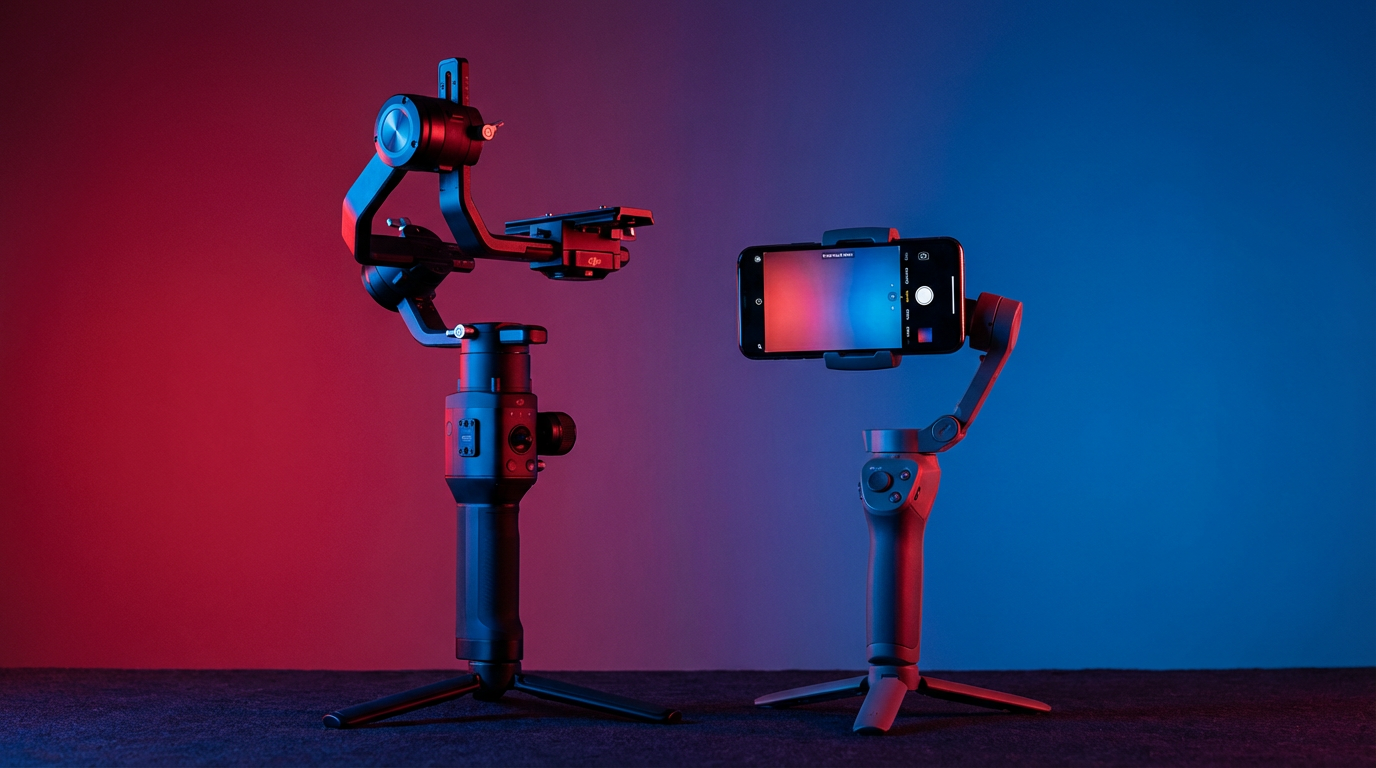
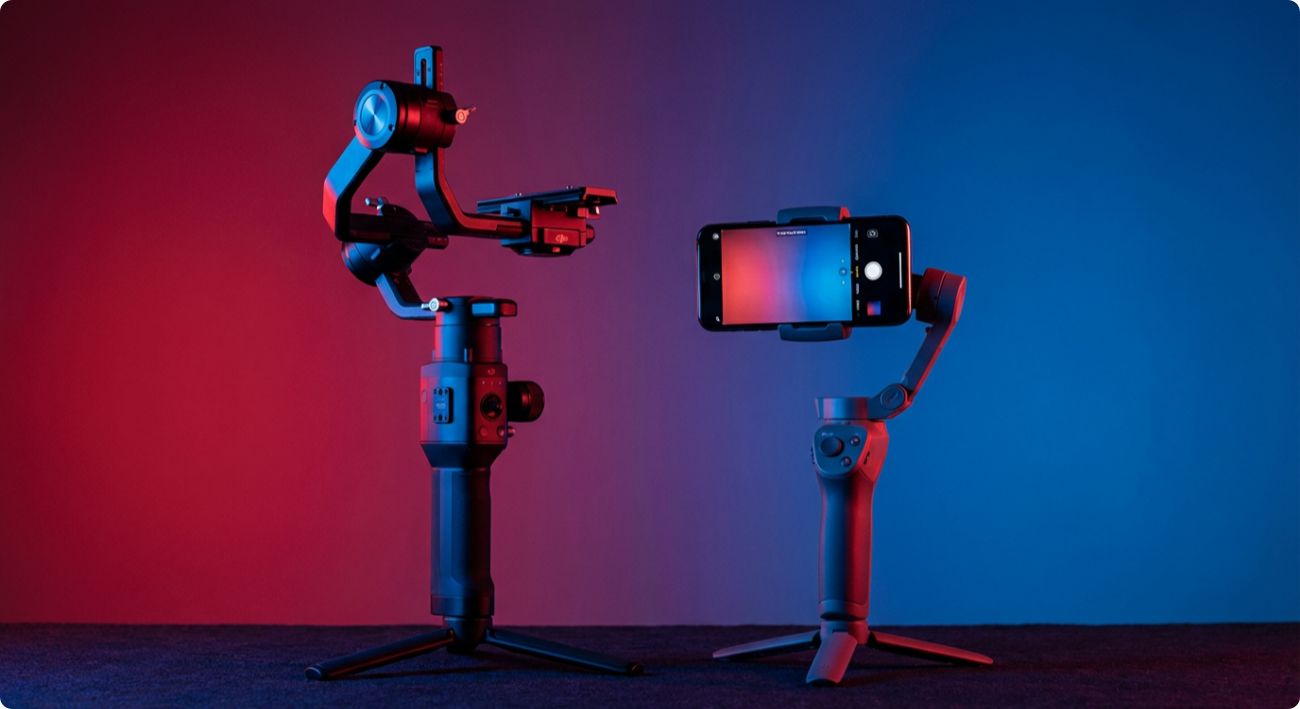
Not all gimbals are the same. The main types of gimbals are designed for specific camera types. You’ll find options for smartphones, action cameras, mirrorless cameras, and heavy DSLRs. Choosing the right one depends entirely on the gear you use. A gimbal for a smartphone is much smaller and lighter than one built for a professional cinema camera.
These gimbal stabilisers ensure your device is supported correctly for its weight and size. Let’s look at the differences between gimbals for smaller and larger cameras.
Smartphone Gimbals: Features and Best Uses
Smartphone gimbals offer convenience and portability, ideal for creators shooting with phones. Popular models like DJI Osmo Mobile and Zhiyun Smooth are lightweight, easy to use, and often foldable for travel.
Most connect to a phone app, unlocking features such as AI object tracking, automatic subject tracking, and gesture controls for hands-free recording.
- Compact, foldable design: Easy to pack and carry.
- AI object tracking: Automatically keeps subjects in frame.
- Gesture controls: Enable hands-free filming.
- Magnetic mount: Quick phone attachment and removal.
DSLR and Mirrorless Camera Gimbals: What to Expect
When upgrading to a DSLR or mirrorless camera, you’ll need a gimbal with higher payload capacity to support heavier setups. Models like the Zhiyun Crane and Moza AirCross offer advanced stabilisation and manual controls for filmmakers. While pricier, they deliver the precision needed for cinematic shots. Cheap gimbals are delicate for basic use, but professional models offer superior features and results.
| Feature | Cheap Gimbals | Professional Gimbals |
|---|---|---|
| Stabilization | Basic, limited motion control | Advanced 3-axis stabilization |
| Payload Capacity | Low, supports lightweight cameras | High handles cinema cameras |
| Battery Life | Under 6 hours | Over 10 hours |
| Software Features | Limited app support | AI tracking, cinematic presets |
Beginner’s Guide: Getting Started With Your First Gimbal
Ready to buy your first gimbal? It’s easier than you think. For beginners, the best gimbal is easy to use, with intuitive controls and a simple setup. You don’t need the most expensive model to boost your content.
Choose a gimbal that feels comfortable and fits your camera. Consider what you’ll film and which features matter most. The following sections will help you pick the right one.
What You Need Before You Buy: Camera Compatibility and Accessories
Before buying a gimbal, first check camera compatibility. Ensure the gimbal’s payload capacity supports your camera’s weight and size; otherwise, stabilisation will fail.
Next, consider accessories. Do you need a remote control or follow focus system? Some gimbals include these; others require separate purchases. Choose accessories based on your shooting style.
- Confirm maximum payload capacity.
- Ensure your camera fits the gimbal’s dimensions.
- Check included accessories.
- Consider extra batteries or a carrying case.
Step-by-Step Guide to Choosing and Setting Up Your Gimbal
Choosing a gimbal is about matching features to your needs. Start by comparing different brands and models. Look at their key specs to see how they stack up against each other. It’s not just about the price; it’s about finding the right tool for the job.
Once you have your gimbal, the next step is to set it up. This usually involves balancing your camera on the gimbal’s arms. It might take a few tries at first, but it’s a crucial step. A properly balanced gimbal provides the smoothest motion control and puts less strain on the motors. It also helps you get more hours of runtime from your battery.
- Stabilisation Axes: A 2-axis system is basic, while a 3-axis system is better for smooth video.
- Innovative Features: Look for things like motion control, time-lapse, and AI tracking.
- Controls: Check for joysticks, follow focus wheels, and customizable settings.
- Battery Life: Ensure it has enough power for your typical shooting session.
Step 1: Pick the Right Type for Your Camera and Needs
The first step is simple: match the gimbal to your camera type. Gimbals are designed for specific devices. If you’re shooting on a smartphone, you need a gimbal for it. If you’re using an action camera like a GoPro, look for a gimbal made for its small, lightweight body.
For those using larger cameras, the choice becomes more specific. There are gimbals designed for various cameras, from small mirrorless models to heavy cinema cameras. Professional video cameras require gimbals with very high payload capacities and powerful motors. Don’t try to put a heavy camera on a gimbal that wasn’t designed for it.
Ultimately, knowing which type of gimbal is best comes down to your gear. Check the gimbal’s specifications to confirm it supports your specific camera model. This single step will significantly narrow your options and prevent you from buying the wrong tool.
Step 2: Check Key Features Like Weight, Battery Life, and Stabilisation
Once you know the correct type of gimbal, it’s time to look at the details. The weight of the gimbal itself is essential, especially for travel. A lighter gimbal is easier to carry around all day. For holiday trips, a compact, lightweight model with long battery life offers excellent value.
Battery life is another critical feature. Look at the battery capacity and the estimated runtime in hours. You don’t want your gimbal dying in the middle of a shoot. Some gimbals even have an OLED screen that shows you the remaining battery level and current mode, which is very helpful.
Finally, consider the extra features that fit your budget. Within a specific price range, you can find gimbals with different strengths.
- Weight: Is it light enough to carry comfortably?
- Battery Life: Does it offer enough power for your needs?
- Stabilisation Axes: Does it have 2-axis or 3-axis stabilisation?
- Screen: Does it have an OLED screen for easy status checks?
Conclusion
In summary, choosing the right gimbal can transform your photography and videography experience. It not only ensures stable shots but also enhances the overall quality of your work. By understanding the various types of gimbals, their features, and what they’re best suited for, you’ll be better prepared to make an informed decision. Remember to consider your camera’s compatibility and your specific needs before purchasing. With the right gimbal in hand, you’re set to elevate your creative projects to new heights. If you’re ready to take the plunge, explore our expert recommendations to find the perfect gimbal for you!
Frequently Asked Questions
What should beginners look for in a gimbal?
Beginners should prioritise ease of use. Look for a gimbal with intuitive controls that supports lightweight cameras. Innovative features like automatic tracking can help simplify filming. Also, consider a model with good battery life so you can focus more on learning and less on charging.
Are lightweight gimbals reliable for travel or daily use?
Yes, absolutely. Modern lightweight gimbals are designed for portability without sacrificing performance. Their compact size makes them perfect for travel. Many offer long battery life and provide excellent value for on-the-go content creators who need a reliable tool for daily shooting.
What’s the difference between a smartphone and a camera gimbal?
The main differences are size, weight, and payload capacity. Smartphone gimbals are small and designed for light phones, often with app integration. A camera gimbal is larger and stronger to support heavier cameras and lenses, offering more advanced manual controls for professional use.
How do I compare popular gimbal brands and models?
Compare models like the DJI Osmo Pocket, Zhiyun Weebill, and Moza Air by looking at their core specs. Check their payload capacity, stabilisation performance, battery life, and price range. Reading reviews and watching comparison videos can also help you decide which one best fits your needs.